
Lucky Vegas Casino Login
Access your account in seconds and claim your welcome bonus today.
Top Lucky Vegas Casino Games






All Games






Being locked out is annoying, so this guide begins with the solution. To log into Lucky Vegas Casino, you need your email, password and a confirmation email. The majority of login issues relate to one of these three things. Next, you'll see the sign-in process, a troubleshooting table, password reset steps and how to contact support.
How to Log In: Step-by-Step
Lucky Vegas Casino does not use an app or SMS for two-factor authentication. Your password and email confirmation secure your account, so you must have access to your registered inbox.
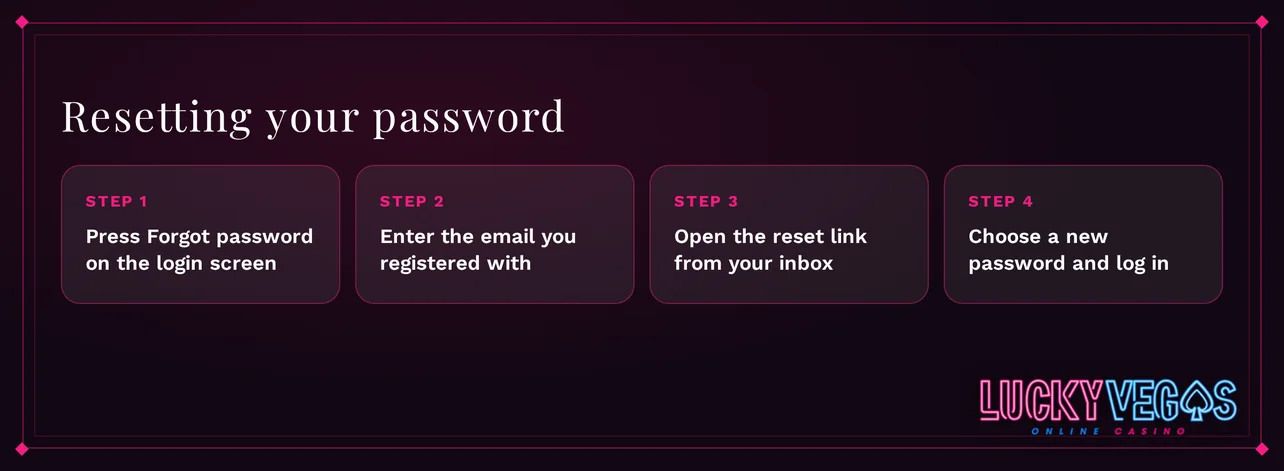
Visit the official Lucky Vegas Casino website in your browser. Type the address yourself or use a bookmark you saved.
Click Log In, then enter the email address and password you registered.
When prompted by the casino, confirm the login via the email confirmation.
Once logged in, open your account and verify your balance is displayed in GBP.
Always visit the official website. Imitation or mirror sites promoted in ads, forums or messages are not Lucky Vegas Casino. Providing your login information on these pages could compromise your account.
Login Problems and Fixes
Most login failures have a few common causes. Find your issue in the table below, then apply the solution.
| Problem | Likely Cause | Quick Fix |
|---|---|---|
| Wrong password message | Typing error or an outdated password | Retype carefully, then reset the password |
| Account locked | Too many failed attempts or an active exclusion | Contact live chat |
| KYC pending | ID or age check not finished | Upload the documents requested |
| VPN or proxy active | Connection masks your location | Switch it off and reload the site |
| E-mail confirmation not arriving | Wrong address, spam filter | Check spam, then request a new message |
| Page loads but sign-in fails | Old cookies or cached data | Clear cookies and cache |
To clear cookies and cache, follow these steps:
- Go to your browser settings and locate the privacy or history section.
- Choose to delete cookies and cached files for all time.
- Confirm the deletion and close all browser windows.
- Open the official site again and attempt to log in.
How to Reset Your Password
You must initiate the reset via your registered email. Support will only assist if the reset message does not arrive.
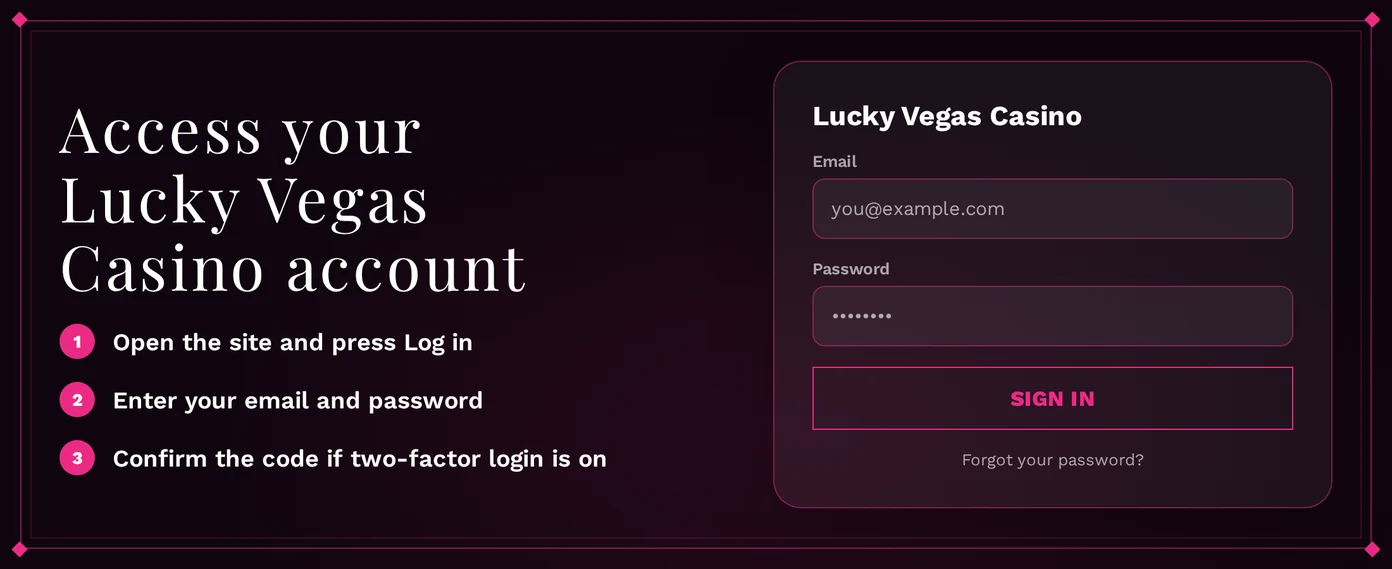
- Click Log In, then select the forgotten password link.
- Type in the email address you used for registration.
- Open the reset email, checking your spam folder if it doesn't appear within a few minutes.
- Create a new password and use it to sign in.
Pick a password that's unique to this site. Combining letters, numbers, and symbols strengthens it, and a password manager means you won't have to type it. Live chat can verify your email address if you don't get a message.
Account Locked or Suspended
A locked account always has a reason, and that reason determines who can fix it. Support handles security locks. Self-exclusions you set expire only after their chosen time.
You can set a self-exclusion in My Account. There are three levels:
| Exclusion Type | Duration Options |
|---|---|
| Cooling-off | 24 hours, 48 hours or 7 days |
| Temporary suspension | 30, 60 or 90 days |
| Indefinite self-exclusion | No end date |
During an exclusion, your account remains closed for play. For gambling concerns, free support is available from GAMSTOP, GambleAware, and GamCare. Call the GamCare National Gambling Helpline at 0808 8020 133 (gamcare.org.uk).
To unlock an account you didn't lock yourself:
- Use live chat and provide your account's email.
- Support will identify why the account was locked.
- Complete any verification the casino requires.
- Access is restored once verification is successful.
KYC Verification
Lucky Vegas Casino verifies your ID and age (18+) on sign-up and before your first withdrawal. Incomplete checks can stop withdrawals and sometimes block your login.
Prepare these before you upload:
- Identity: Provide a current photo ID.
- Age: Supply details that prove your date of birth.
- Account details: Your name and address must match registration.
Submit the required documents through your account when the casino asks for them. You upload the files first. The casino then checks them and will restore any restricted features once they approve the upload. A mismatch between the name on your documents and your registered details is a common cause for delays, so verify this before you send anything.
VPN Policy
Connecting via a VPN or proxy violates Lucky Vegas Casino's terms.
If you can't sign in while using a VPN:
- Turn off the VPN or proxy service.
- Clear your browser's cookies and cache.
- Refresh the casino's website and log back in.
- Reach out to live chat if the issue persists.
Turn off your VPN before playing. This matches your session to your account details and prevents verification holds.
Logging In via Mobile App
Lucky Vegas Casino offers an Android app on Google Play. iPhone and iPad players use the mobile browser, as there's no iOS app. The mobile site is responsive and has all the same games as the desktop version.
| Device | How You Log In | Biometric Login | Push Notifications |
|---|---|---|---|
| Android | Google Play app or mobile browser | No | No |
| iPhone and iPad | Mobile browser | No | No |
Both login methods require your email and password. Fingerprint or face login are not available. Should the app not accept your credentials:
- Confirm you downloaded the app from Google Play.
- Make sure the app is updated.
- Try logging in on the mobile browser with the same details.
- If neither method works, reset your password.
Contact Support
If the steps above fail, contact support. Keep your account email and a brief error description handy to help them resolve it faster.
| Channel | Availability | Language |
|---|---|---|
| Live chat | 06:00-00:00 GMT | English |
| Anytime | English |
Live chat responds quickest during operating hours. Email them outside those times, and you'll get a reply once they read it. Put these details in your initial message:
- Your account's email address
- The precise error message
- Your device and browser
FAQ
You must be 18 or older to play at Lucky Vegas Casino. Only gamble with funds you can comfortably lose. Set deposit limits that work for you. Stop playing if gambling ceases to be enjoyable.